Just point your camera at the sheet music. PianoStar listens, watches, and practices piano with you.
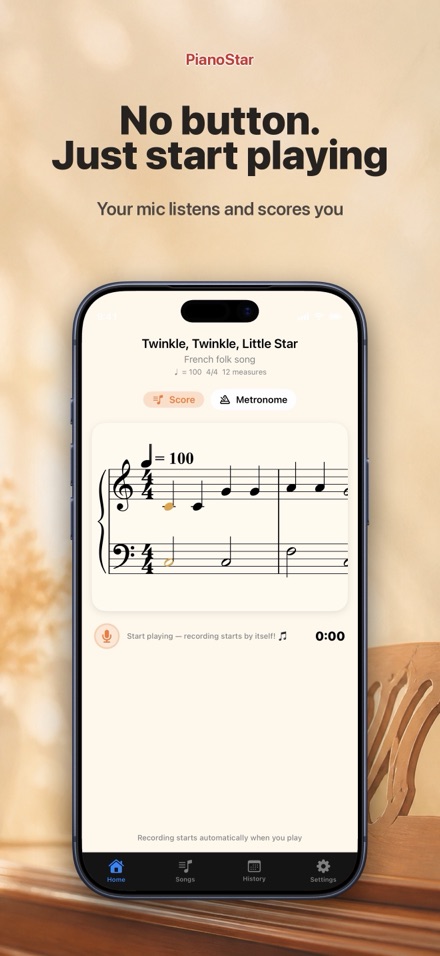
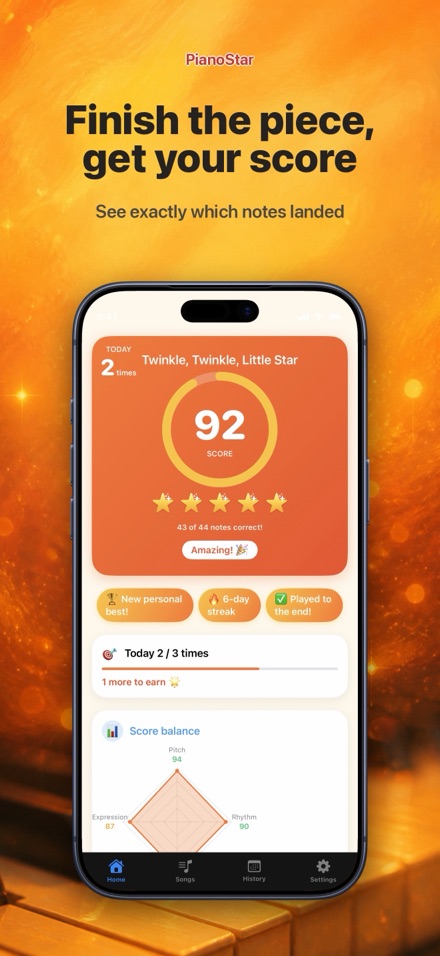
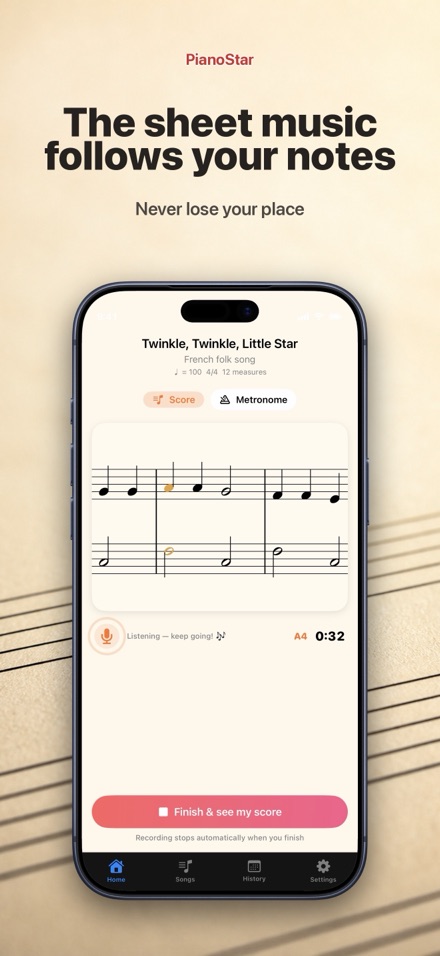
AI Listens & Scores You Play
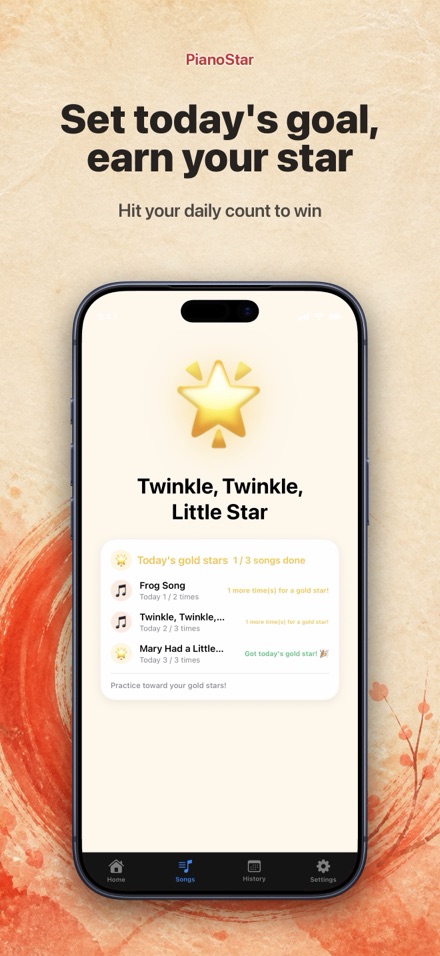
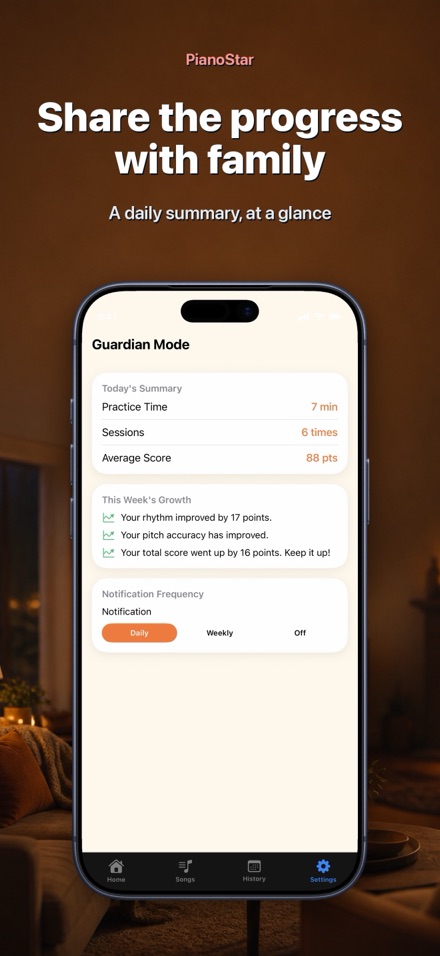
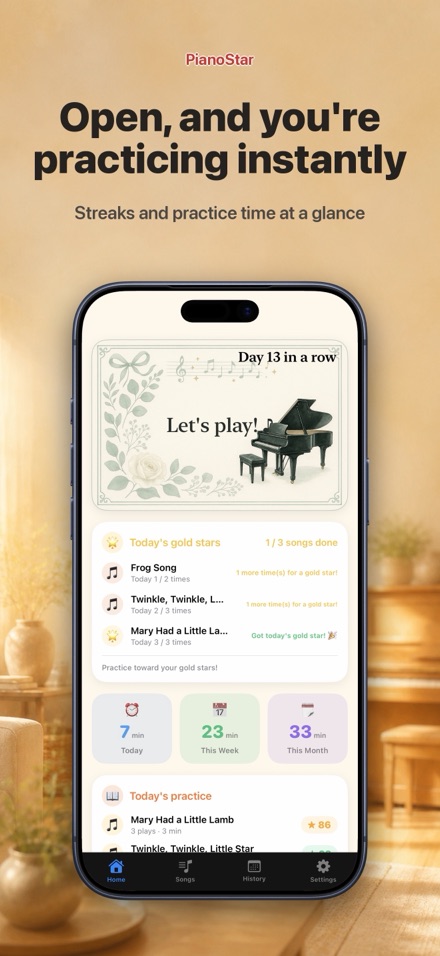
Features
FAQ
What's free to use?
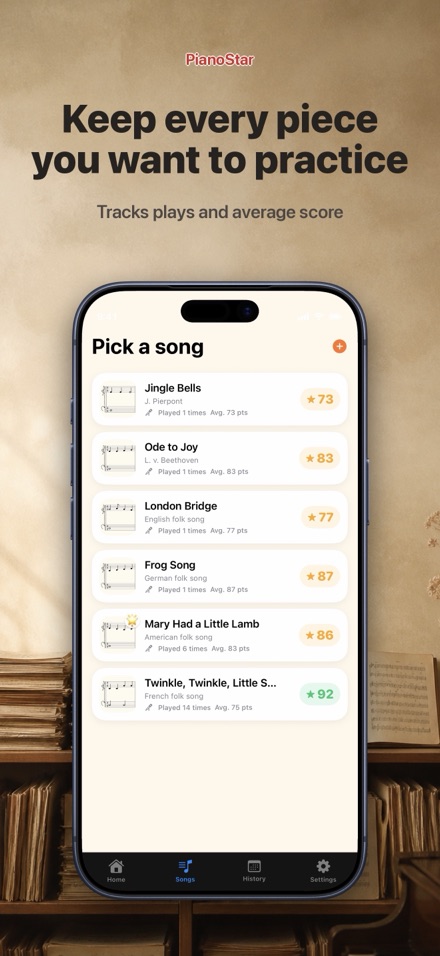
Practicing, scoring, history, the calendar, and Parent Mode are all free forever with the 6 built-in songs, including Twinkle Twinkle Little Star and Mary Had a Little Lamb.
What does PianoStar Plus add?
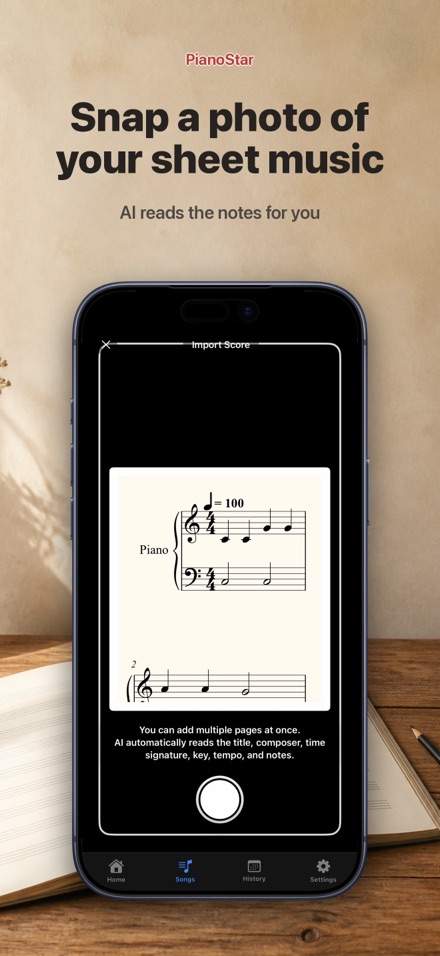
PianoStar Plus lets you scan your own paper sheet music with the camera or photos and practise any piece you own. It's an auto-renewing monthly subscription. The exact price for your region is shown on the App Store before you confirm.
How do I cancel?
Open Settings on your iPhone, tap your Apple ID, then Subscriptions, and cancel PianoStar Plus anytime. You'll keep access until the end of the current billing period.
Is the scoring accurate?
PianoStar's AI analyzes pitch, rhythm, tempo, and expression to give helpful feedback, but it isn't a substitute for a music teacher. Use it as a practice guide.
Where does my recorded playing go?
Your performance audio is processed entirely on your device and is never sent to a server.