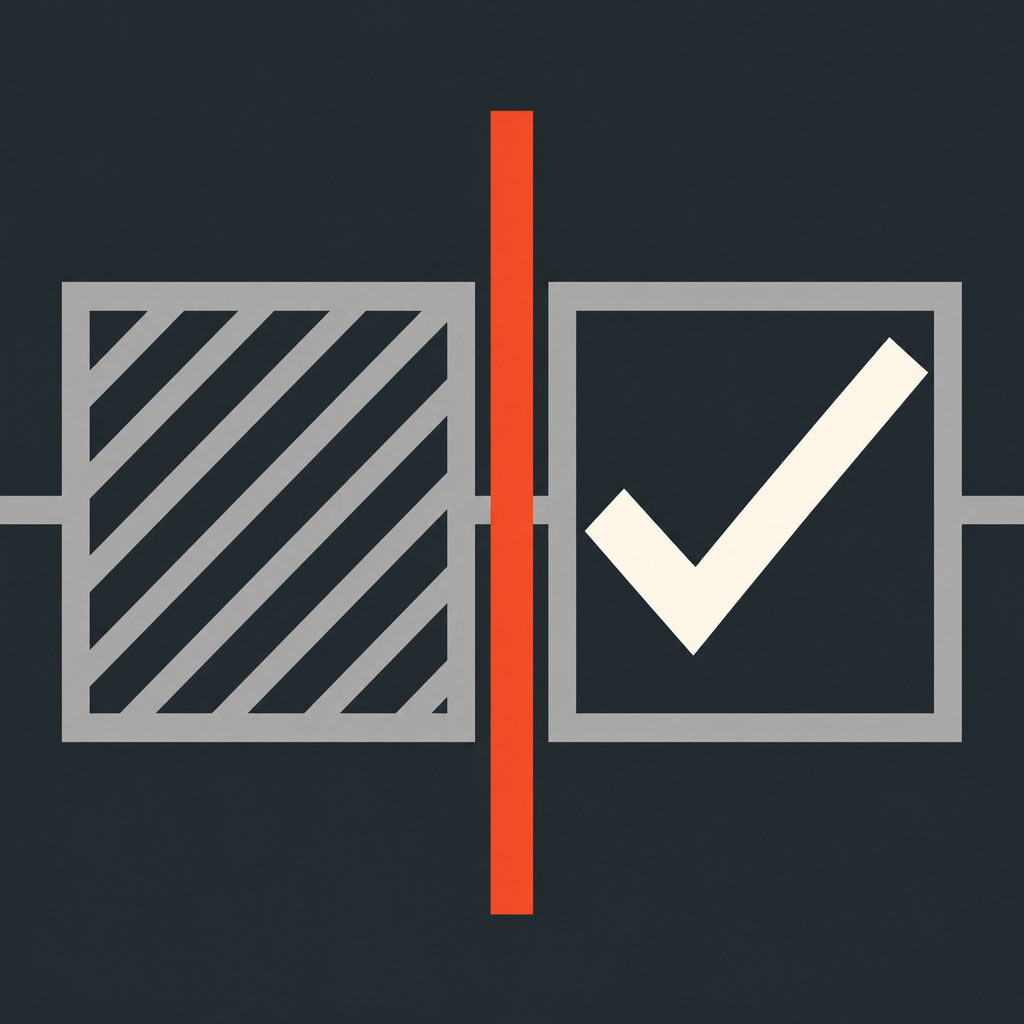
The second person can't see what the first person checked. Both check independently, then compare — only the differing rows show up in red.
Download on the App Store


The second person only sees item names — the first person's checks are never shown. A paper checklist's sign-off column is signed while the previous person's checks are already visible, so the confirmer tends to miss the same things. DoubleCheck removes this by design.
Results are compared only after both finish. Matching rows stay as they are; only the differing rows turn red. Even with dozens of items, you know exactly where to look.
Pass the same iPhone to the second person on the spot, or send it by QR to their own iPhone and check separately. Neither method uses the network.
If differences remain, both people can go through every item again. Repeat as many times as needed.
Every check keeps a record of when, with whom, and how many differences. Share the history as a PDF anytime.
All data stays on your iPhone. No sign-up, no login. The only thing that passes between devices is a QR code.
The first person shows a QR code, and the second scans it with their camera. Once the second person finishes, they show a result QR code, which the first person scans to compare. No network is used, so it works even in airplane mode.
No. The second person only sees the item names — the first person's checks are never displayed on screen.
Yes. Whether you pass the same iPhone or use QR codes between two devices, no network features are used, so it always works completely offline.
Yes. You can run several checks of the same checklist in parallel — one per shipment or shift, for example — and check again later if needed.
Yes. From the history detail screen, you can export a PDF and share it.
Neither. The app requests no permissions beyond the camera, and there's no sign-up or login. The camera is only used when scanning a QR code.
 DoubleCheck: 2-Person Check